

Share & Import
Use Telegram share links to bring agents into Claw.
Telegram Share Links
Claw integrates directly with the CLI share/import flow.
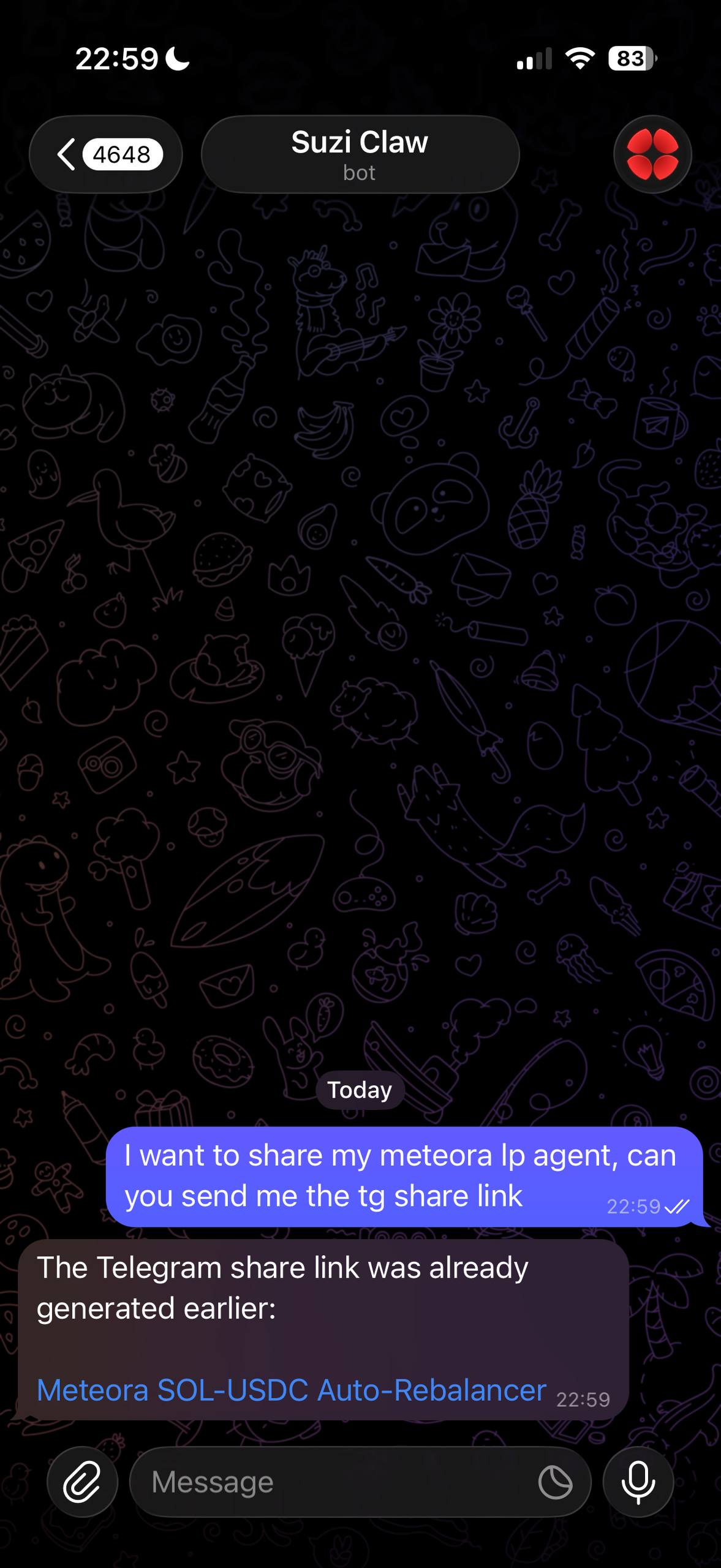
If you create a share link with:
suzi share create my-agent --telegramSuzi can generate a Telegram deep link that opens the share inside Claw.
What Happens On Import
When a user opens a valid Telegram share link in Claw:
- Claw resolves the shared agent
- runs the import flow on the user's behalf
- clones the agent into the user's account
- explains what the imported agent does and what to do next
That makes Telegram a practical handoff surface for agents, not just a chat surface.
Good Use Cases
- send an agent to another power user without asking them to copy a slug manually
- keep your own share/import workflow inside Telegram
- turn a shared agent into a conversational onboarding flow instead of a raw clone command
Relationship To The CLI
This is still a CLI-backed workflow. Claw is just giving you the Telegram interface for it.
If you prefer the terminal-first version, use the standard suzi import <slug> flow documented in the CLI reference.