

Using Claw
How power users should think about asking Claw for real work.
Default Mental Model
Treat Claw like a Telegram interface to the Suzi CLI, not like a generic chat assistant.
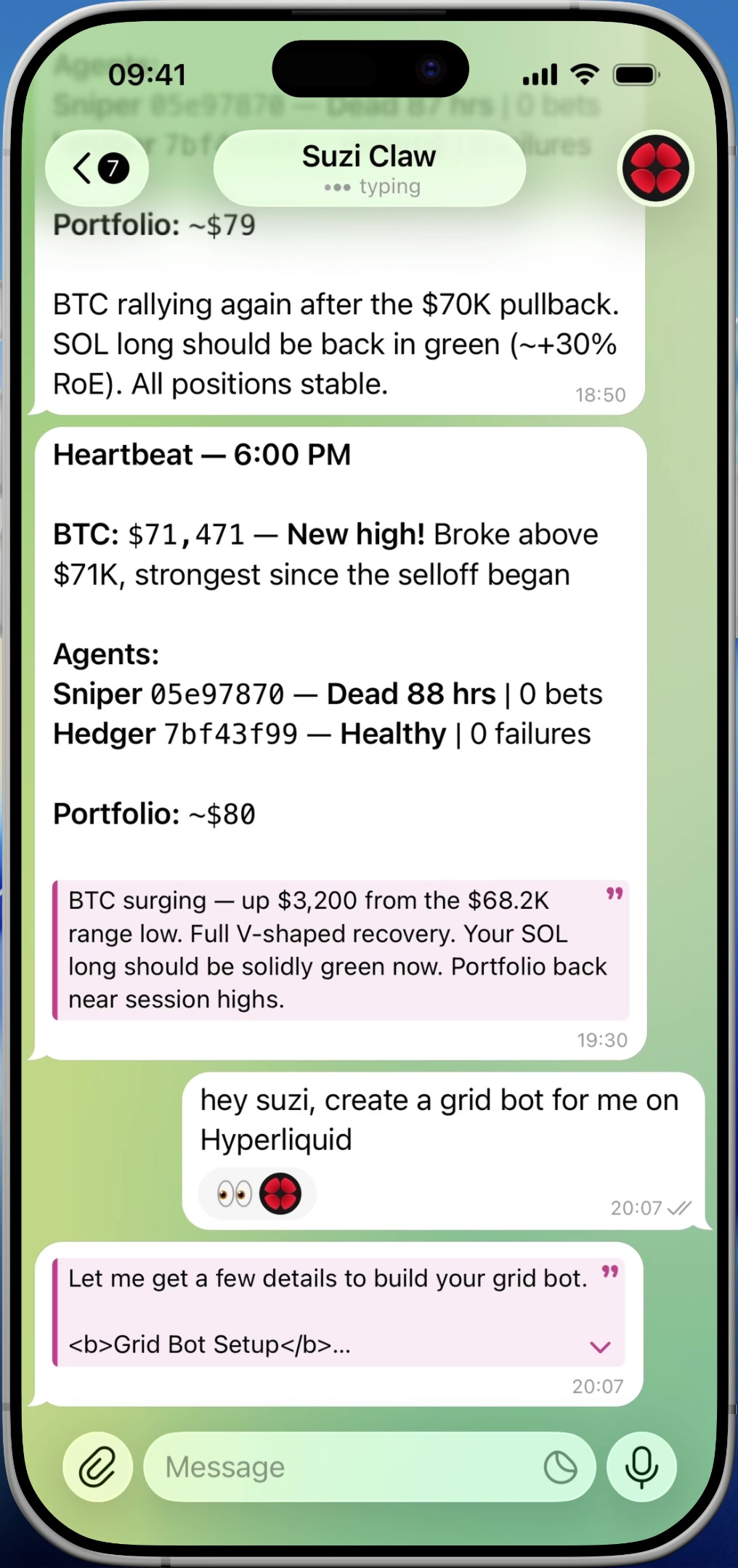
The best prompts are operational and account-aware:
- "Give me the most important changes in my portfolio since yesterday."
- "Review my active agents and tell me what needs attention."
- "Summarize my exposure to prediction markets versus spot holdings."
- "Check whether anything in my recent activity looks off."
- "Generate a report I can forward."
What Claw Is Strong At
- live portfolio and balance summaries
- agent and execution reviews
- turning multi-step CLI work into one chat request
- producing polished Telegram-native replies instead of raw command output
- carrying context forward across a session
What To Ask For Explicitly
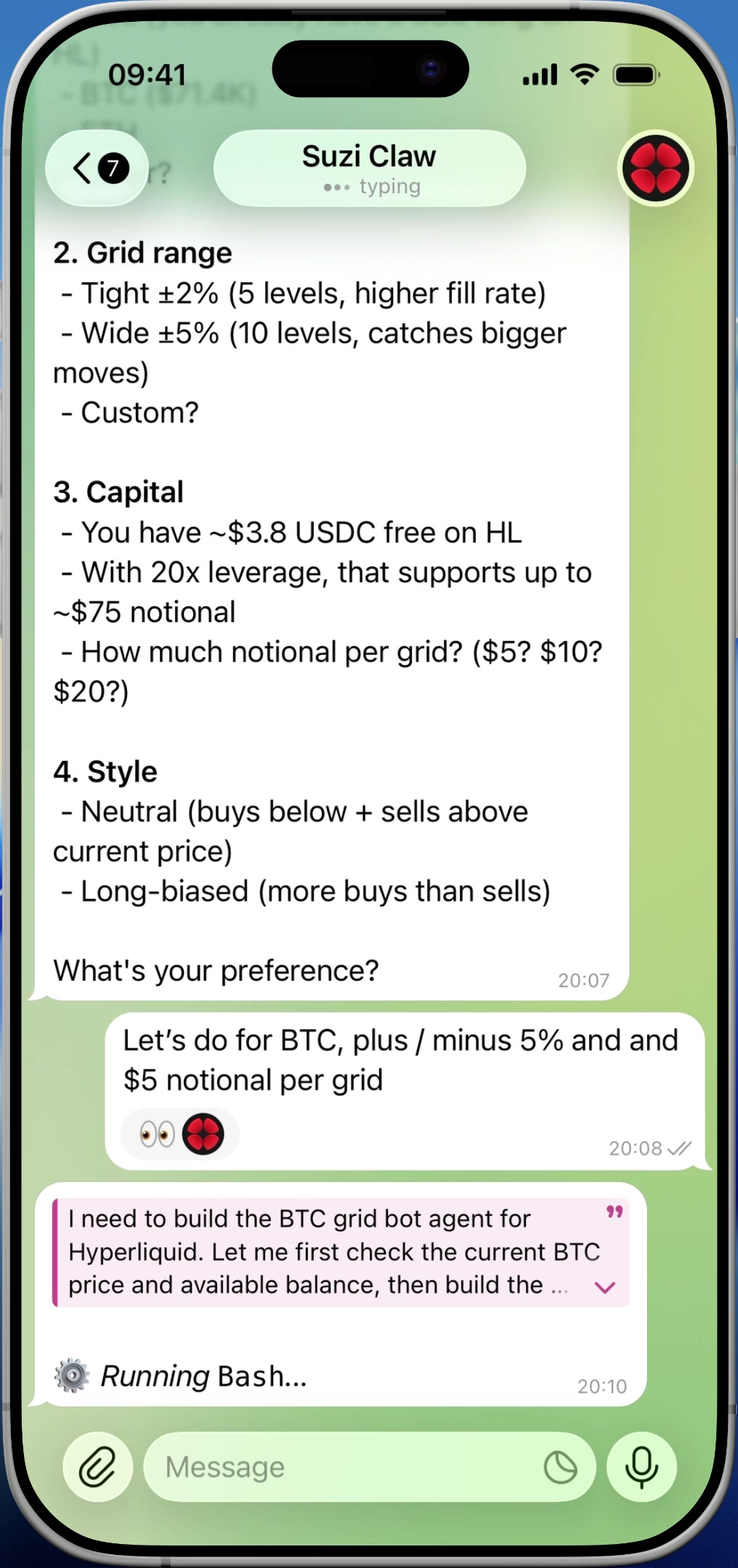
Claw is most useful when you specify the outcome, not the command.
Good:
- "Compare my current positions to last week and highlight anything unusual."
- "Turn this into a compact Telegram-ready summary."
- "Create a CSV I can review later."
Less useful:
- "Explain how the CLI works."
- "Teach me the SDK."
- "Show me every possible command."
For command discovery, use the CLI docs directly.
Where To Go Next
- If you want screenshots, reports, and generated files, see Files, Images & Outputs.
- If you care about statefulness and continuity, see Memory, Context & Sessions.